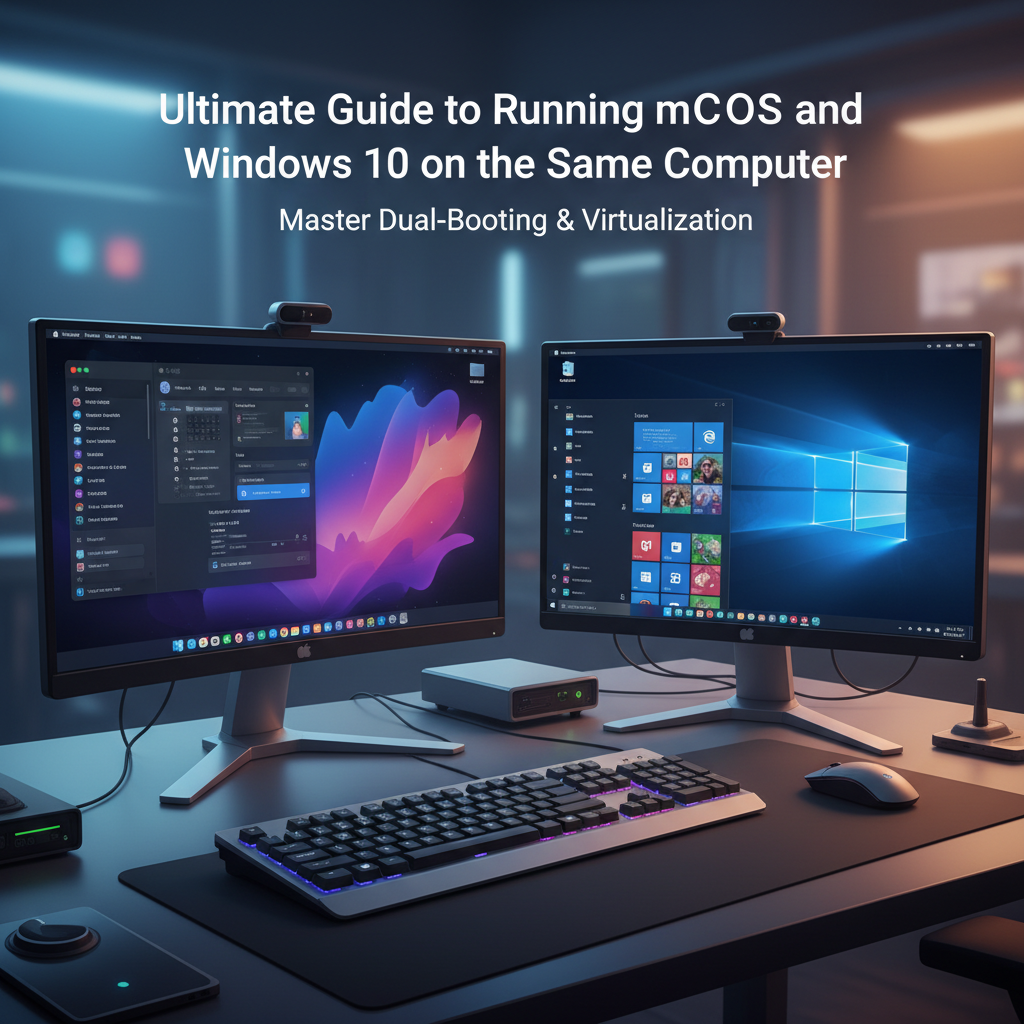
Discover the best methods for running macOS and Windows 10 on the same computer. Learn about Boot Camp, virtualization, and Hackintosh setups for maximum productivity.
Introduction
In today’s dynamic computing landscape, many professionals and creatives find themselves needing both macOS and Windows 10. Whether you require macOS for Final Cut Pro and iOS development, or Windows for PC gaming and specific enterprise software, running both operating systems on a single computer is highly practical. This guide explores the most effective ways to run macOS and Windows 10 on the same machine.
Method 1: Apple Boot Camp (Intel Macs Only)
If you own an Intel-based Mac, Apple’s built-in Boot Camp Assistant is the most native way to run Windows 10. Boot Camp creates a separate partition on your hard drive dedicated entirely to Windows, allowing you to choose which OS to load when you start your computer.
Pros and Cons of Boot Camp
- Pros: Full hardware performance (ideal for gaming), completely free (built into macOS), and incredibly stable.
- Cons: Requires rebooting to switch between operating systems, and it is not supported on newer Apple Silicon (M-series) Macs.
Method 2: Virtualization Software
Virtualization allows you to run Windows 10 in a standalone window within macOS, exactly like any other application. This is perfect for users who need to switch seamlessly between Mac and Windows apps without restarting their computer.
Top Virtualization Tools
- Parallels Desktop: Highly optimized for Macs, including Apple Silicon (by running the ARM version of Windows). It offers excellent performance, seamless file sharing, and Coherence mode.
- VMware Fusion: Another powerful option that provides robust 3D graphics support, strong enterprise-level features, and supports running both macOS and Windows simultaneously.
- VirtualBox: A free, open-source alternative by Oracle. While not as fast or seamlessly polished as paid options, it gets the job done for basic computing tasks.
Method 3: The Hackintosh Route (macOS on PC Hardware)
For PC enthusiasts, building a Hackintosh involves installing macOS on non-Apple hardware alongside Windows 10. This gives you the power of custom, high-end PC components while still enjoying the full macOS ecosystem.
- Pros: Highly customizable hardware setup, and generally much more cost-effective compared to buying a high-end Mac Pro.
- Cons: Technically complex to set up, requires strict specific hardware compatibility, and future macOS software updates can occasionally break your system.
Conclusion
Running macOS and Windows 10 on the same computer gives you the best of both worlds, eliminating the need to purchase two separate machines. For Intel Mac users needing raw power, Boot Camp is the way to go. For ultimate convenience and Apple Silicon compatibility, virtualization tools like Parallels Desktop remain unbeatable. Finally, tech-savvy PC users might find building a dual-boot Hackintosh to be the most rewarding path.